
AI Labs by Taivas · for schools
AI Labs, inside the timetable.
Master AI in 30 Days, run for a whole grade inside school hours. The same eight sessions, trainer, tools and demo day as the open cohort, with a report for the school at the end.
In the timetable
What a school gets
- 8 live sessions × 90 min, one per week
- Batches of 10, grouped by level, never mixed
- A working, published project per student
- Assessment bands and a certificate for every student
- A demo day for parents and a term report for the school
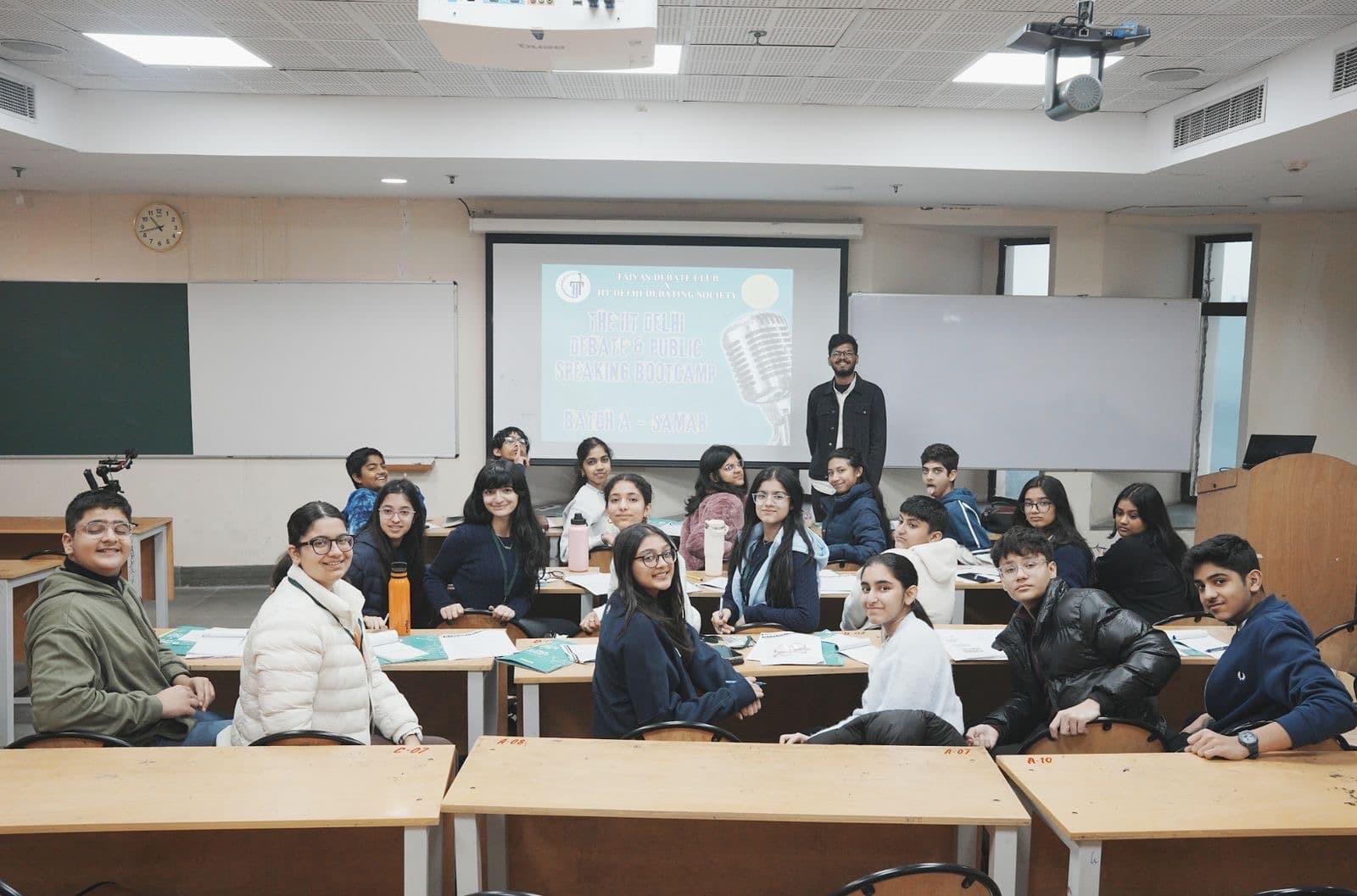
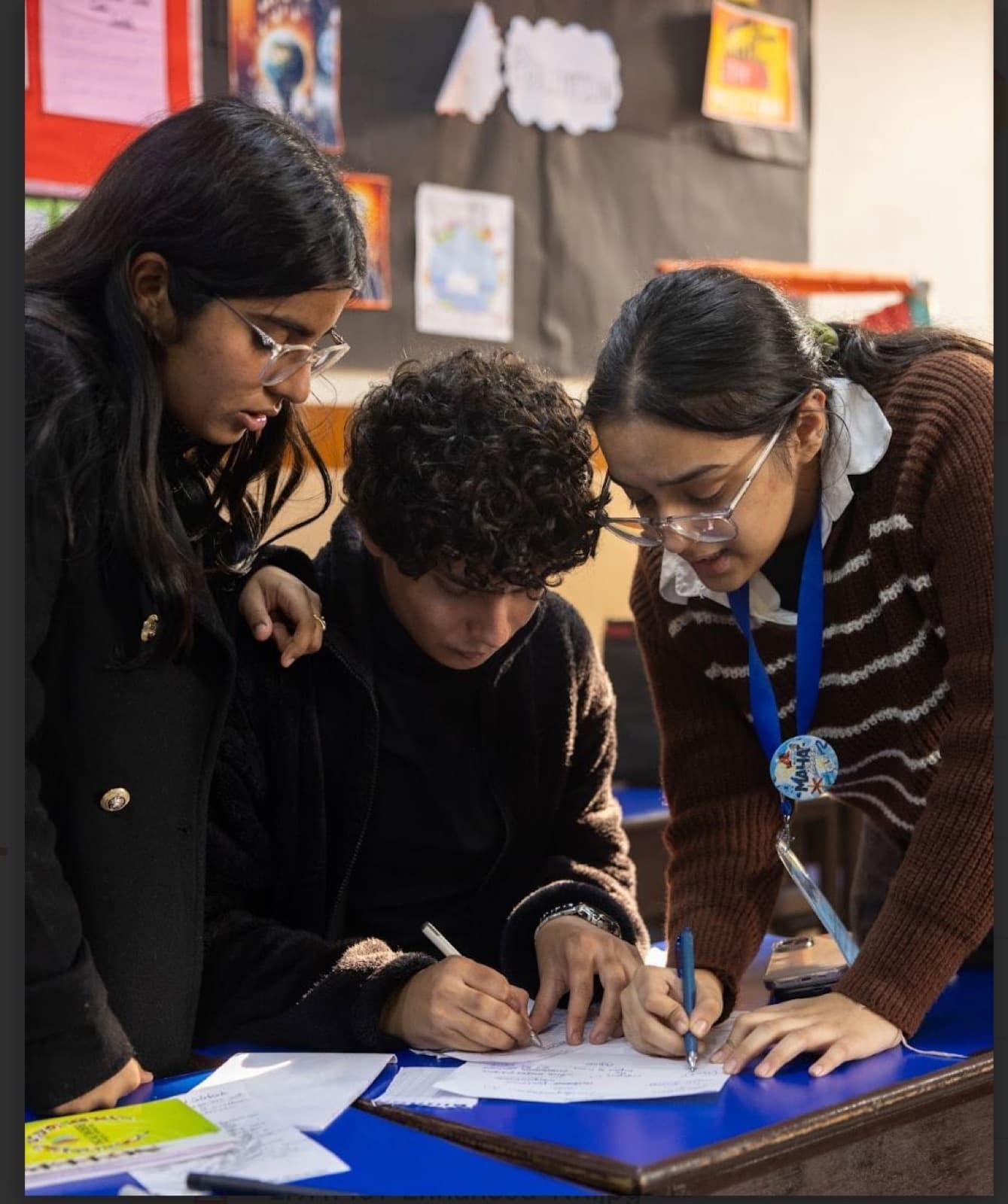
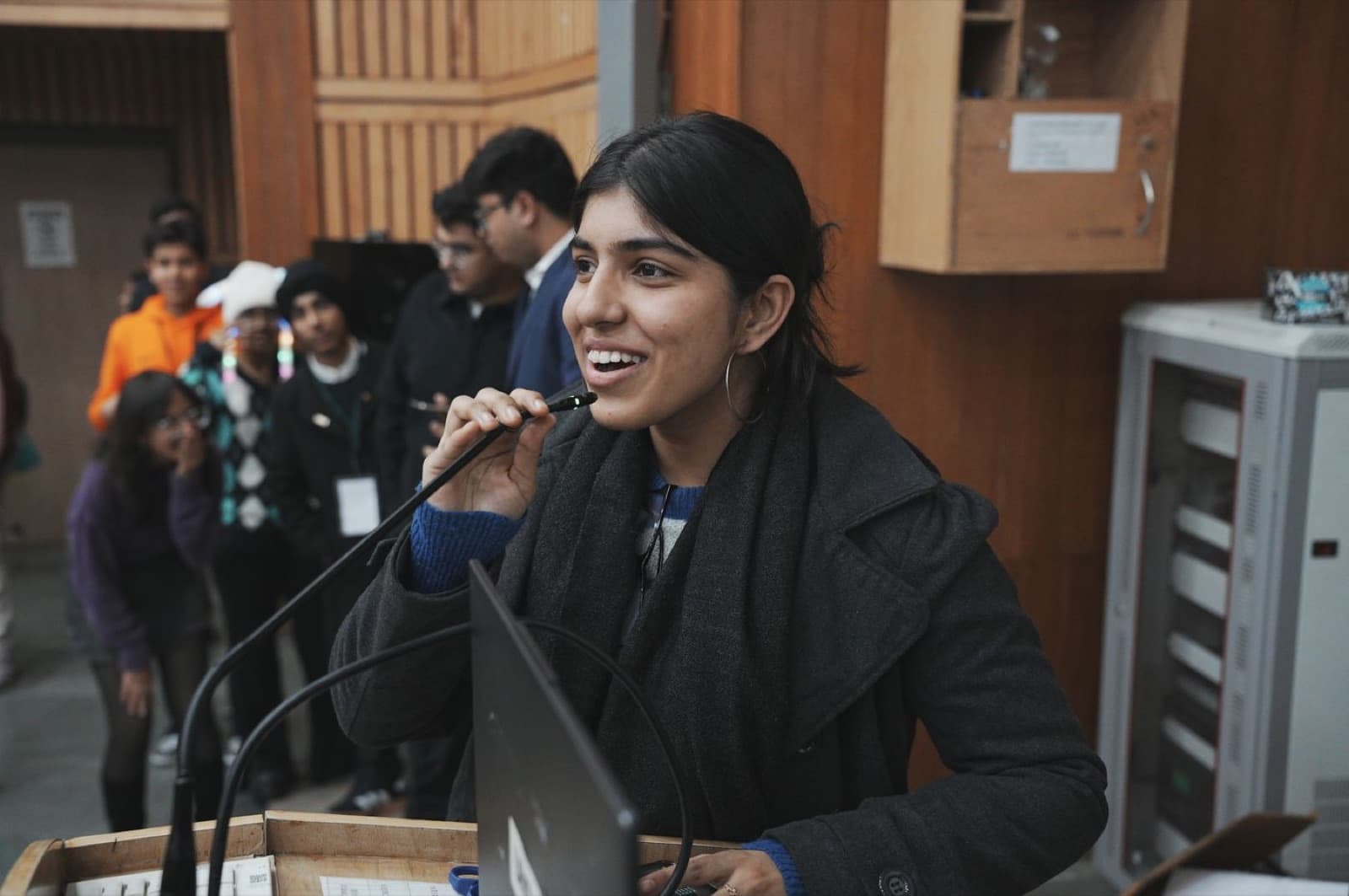
Photographs from Taivas classrooms and bootcamps.
Three levels
Pick the level by grade.
Grades 5–6
AI Explorer
Explore & Create
Understand the machine, direct it clearly, train a first model and build a helper that someone actually uses. It ends as a link.
Tools: ChatGPT · Napkin AI · Canva AI · AI image tool · Teachable Machine · Google Sheets · Google Sites
No coding at this levelGrades 7–9
AI Innovator
Build & Solve
Ground research in sources, evaluate a model properly and ship a tested prototype against a real problem.
Tools: ChatGPT · Claude (trainer-hosted) · NotebookLM · Google AI Studio (trainer-hosted) · Perplexity · Teachable Machine · Canva AI · Gamma · Google Sheets · Google Sites
No coding at this levelGrades 10–12
AI Architect
Design, Analyse & Innovate
Architect, evaluate, automate and document an AI system that does one real job end to end.
Tools: Claude and Google AI Studio (trainer-hosted) · ChatGPT · NotebookLM · Perplexity · Hugging Face · Google Colab · Sheets with Apps Script · an AI app builder · Gamma · Canva AI
Reads the code AI writes, explains every line shipped
How it runs
What a term looks like.
- 01
Placement by grade
Students join one of three levels, Grades 5–6, 7–9 and 10–12. The eight sessions cover the same ground at every level; the depth, tools and standard of proof change.
- 02
A Taivas trainer in the lab
Eight live sessions of 90 minutes inside the timetable, in batches of 10. Students build along; nobody watches slides.
- 03
One artefact every session
Every session ends with something that can be opened, shown, tested or assessed: a prompt that holds, a trained classifier, a published page.
- 04
Demo day
The term ends with each student demonstrating and defending their own project live, with teachers and parents in the room.
Children and AI tools
Safe by design, stated plainly.
The same rules as the open cohort apply inside a school, and they go in the proposal so the management committee can read them.
- No student enters personal data, their own or anyone else's, into any AI tool.
- Grades 5–6 are under 13: no personal AI account is created, on any tool, at any point. All work runs on a Taivas-issued account or in a trainer-hosted session.
- Claude and Google AI Studio are 18+ and are trainer-hosted at every level. Never set as homework.
- Published project pages carry no surname, no school name and no photograph of a child.
- Sessions run in a monitored virtual classroom. Accounts are revoked 30 days after the showcase.
Who does what
What the school provides, and what Taivas does.
The school provides
- A computer lab, or one laptop between two students, with a stable connection
- One period a week per level, two in the lead-up to demo day
- A coordinator as the single point of contact
- Consent from parents for the published, surname-free project pages
Taivas provides
- A trainer on campus or live on screen for every session
- The curriculum, source packs, datasets and every tool account, nothing for the school to buy
- Safeguarding rules applied for every student, with under-13s on Taivas-issued accounts only
- Assessment across all eight sessions, a certificate with the band recorded, and a demo day
Want the open cohort instead? Master AI in 30 Days for families
Get the proposalScored every session. Reported every term.
- Four dimensions after sessions: clarity and structure, confidence and delivery, argumentation and rebuttal, content and GK awareness.
- A coach note with every score: what improved, what to work on next.
- A term report per student and a summary per class, to the school and to parents.
Session feedback
Sample student · Grade 7 · Intermediate
Week 6 · British Parliamentary round
- Clarity & Structure
- Are ideas organised and easy to follow?
- 4
- Confidence & Delivery
- How does the student carry themselves while speaking?
- 3
- Argumentation & Rebuttal
- Are points logical, relevant and well-supported?
- 4
- Content & GK Awareness
- Is the student using current, relevant examples?
- 3
The proposal, in one document.
Formats, how a term is timetabled, the rubric and a sample report, partner schools and the pricing structure. Something you can forward to the management committee.
Talk to Prithvi
Fill in the form or call. No commitments, just a conversation about what would fit your school.
School Partnerships
Prithvi Raj Singh
Drives every school partnership at Taivas, from first contact and MOU signing through to full enrolment and onboarding. Replies within one business day.