

Green School Dashboard
kWh used per week
↓ 38% after lights-off rule
Green School Dashboard
Turns school water, energy or waste data into verified trends and an action.
- Data analysis
- Visualising
- Evidence

Cohort 1 · Grades 5 to 12 · live online
Eight live sessions. Eight things your child builds. On day 30 they send you the link, then defend it live while you watch.
Cohort 1 started Thu 15 Oct · 10 seats a level · From the team that ran the IIT Bombay bootcamps.

From the team that ran the IIT Bombay bootcamps.


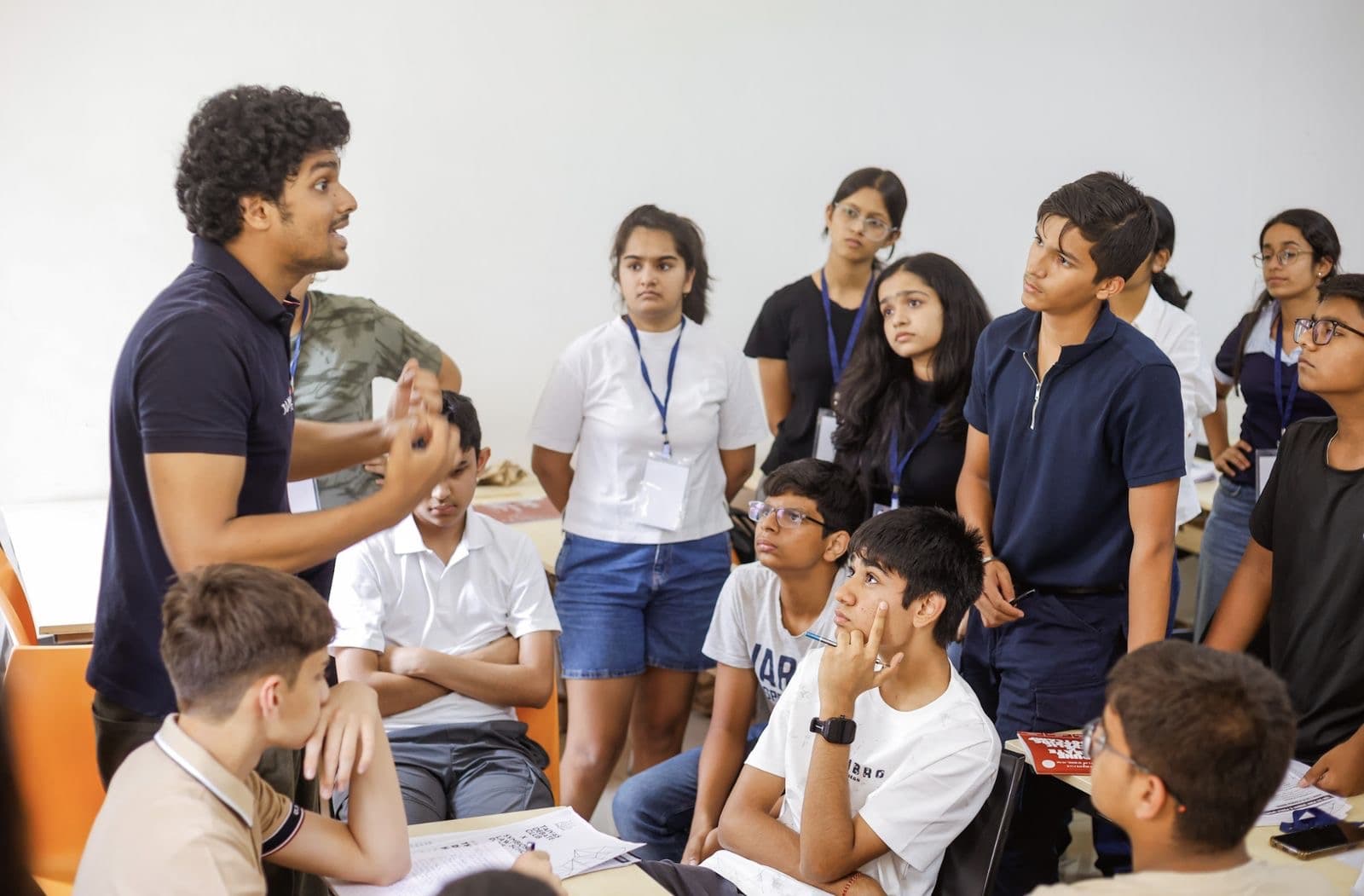
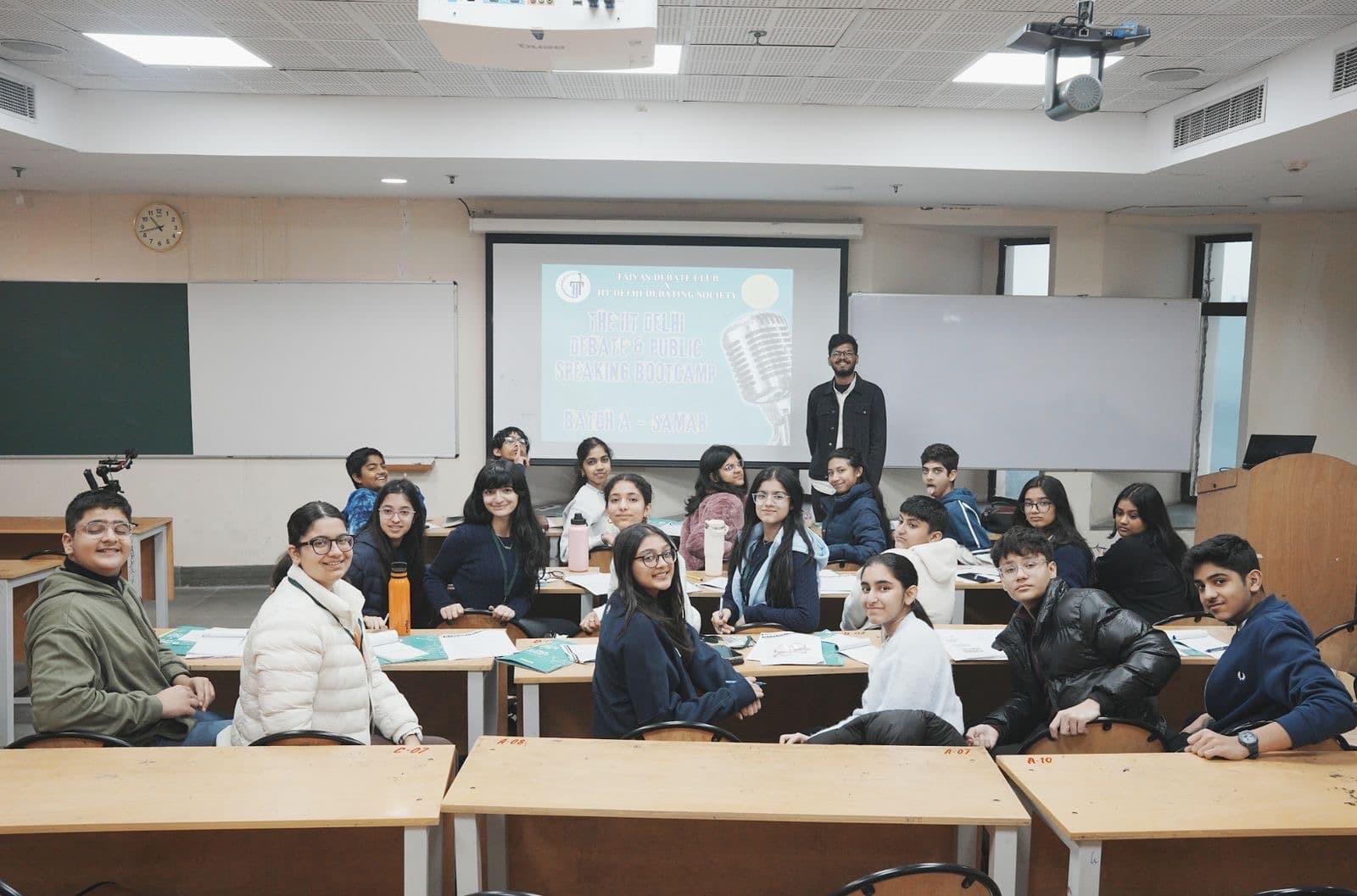
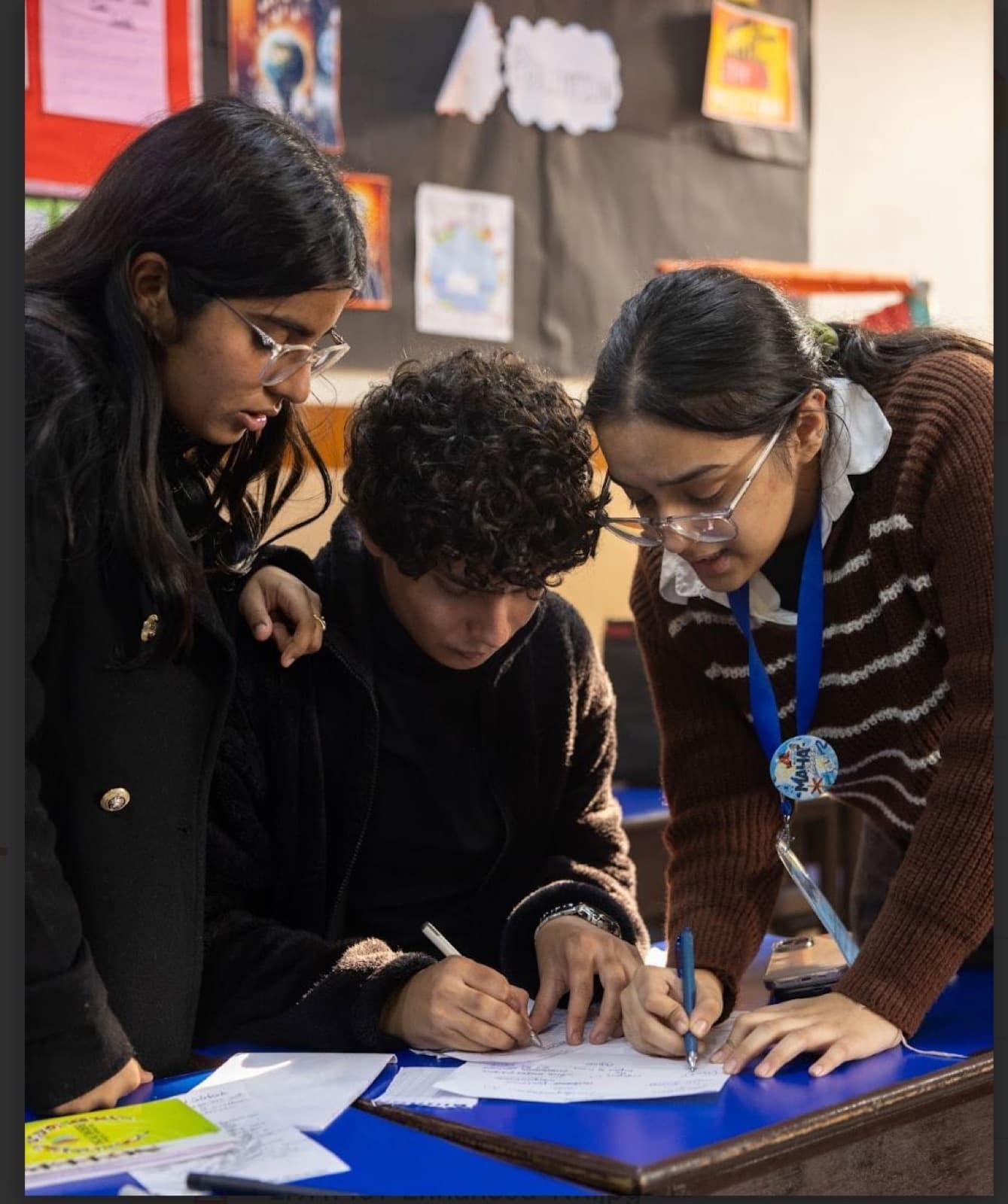
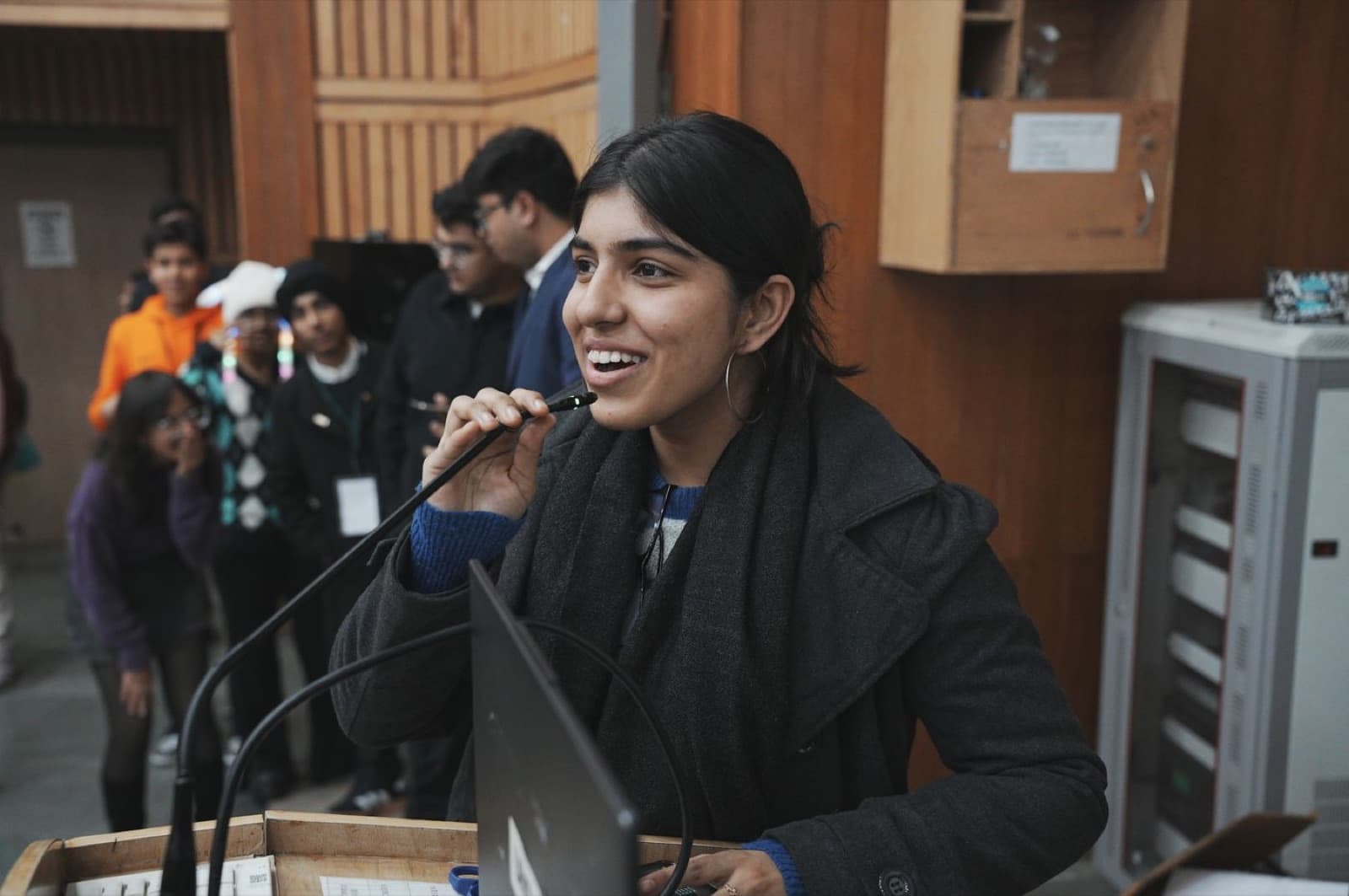
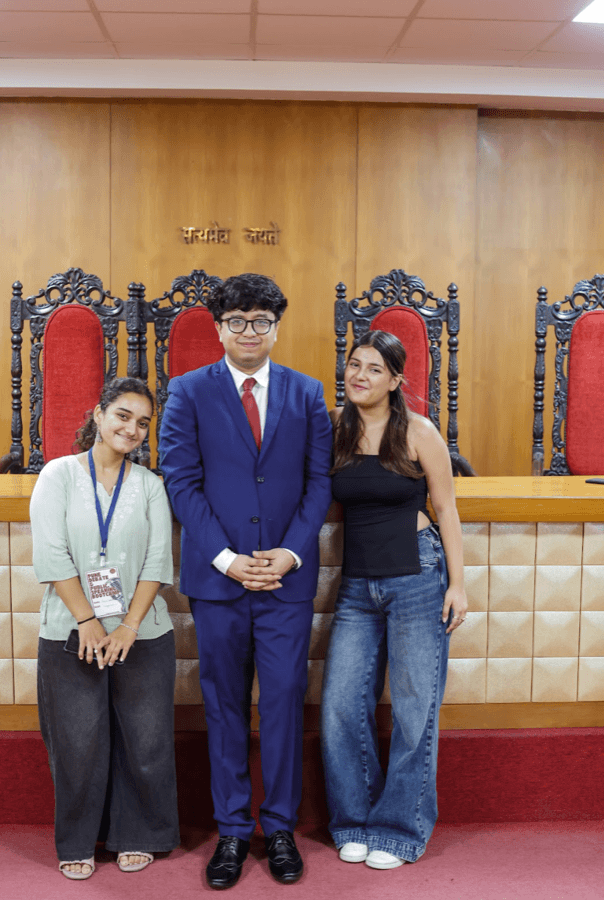
Photographs from Taivas classrooms and bootcamps.
What your child gets
Not a login and a video library. A certificate, a working project on a link, a documented portfolio piece and a child who can explain every choice they made.
Sample certificate Click to enlarge

Approved by
Tatsam Lamba
Founder, Taivas Education
A Taivas certificate for Master AI in 30 Days, issued after Demo Day with the band recorded: Distinction, Merit or Pass.
Built by your child, published to a live link that opens on your phone. Sent to you before the demo begins.
A Project Card (or a Model Card at Grades 10–12) documenting what it does, how it was tested and where it fails.
A live presentation with questions. Speaking about their own work, confidently, is part of the course.
Prompting well, checking a fact against a source, training a model on their own data, and spotting when AI is wrong.
No personal data into any tool, honest disclosure of AI use, and knowing which tools are right for their age.
Eight 90-minute live sessions in a batch of ten, grouped by grade. The trainer is present every minute.
A Taivas-issued Google Workspace for Education account, all source packs and datasets. Nothing to install or buy.
The learning journey
Students already have access to AI. Very few can say what it did, why it was confidently wrong, or how to make it better. Every level follows the same four phases; the depth, the tools and the size of the build rise with the grade.
Ground research in sources, evaluate a model properly and ship a tested prototype against a real problem.
What is this machine, and how do I get it to do what I actually meant?
01Under the Hood
Training data, tokens, and why two models answer differently.
02Prompts That Never Break
Structured outputs and templates, tested on inputs you have not seen.
Can I make something good with it, and can I tell good from generated?
03Run a Real Campaign
A visual system, not one poster, shown to people outside the cohort.
04Make a Film With AI
Consistency, consent and provenance; one real synthetic-media incident studied.
How do I know this is true, and what happens when I change the data?
05Research Like a Journalist
Trace every claim to a source; frame a problem the evidence supports.
06Train It, Then Break It
Per-class accuracy and bias; add data to the weakest class and re-measure.
Does it work for someone other than me, on their device, and can I explain why?
07Build It for Real Users
Three users, one task, a measured fix. Publish, then the ship check.
08Pitch Day
Send the link home, then defend the evidence under questioning.
A live project on a linkSent to you on WhatsApp before Demo Day begins. It opens on your phone.
Certificate of completionIssued after the live demo, with the Project Card and the band recorded.
Tools at this level
Coding
None. Nobody at this level writes or reads code.
The project menu · pick one in session 05
Illustrative mockups · hover to replay
Green School Dashboard
kWh used per week
↓ 38% after lights-off rule
Green School Dashboard
Turns school water, energy or waste data into verified trends and an action.
Smart Sorter
Recycle 88%
Landfill 9%
Compost 3%
Smart Sorter
A trained classifier for waste, recycling or lost property, accuracy per class.
Community Helper
Where is the nearest vaccination camp?
Community Hall, Sector 4, Saturday 10 AM to 2 PM.
From the ward notice, 12 Oct
Community Information Helper
Answers a real local need from approved sources and refuses what it cannot.
Junior Study Companion
I don't get fractions
Imagine a pizza cut into 4 slices. You ate 1, that's ¼!
Try one yourself →
Junior Study Companion
An AI study system for a younger student, tested on a real one.
Accessibility Assistant
Simplify this school circular
School is closed on Friday. Online classes at the usual time.
🔊 Read aloud
Accessibility Assistant
Simplifies notices, writes alt text or reads content aloud for a stated need.
Issue Campaign
Plastic bags counted a day
Sign the pledge →
Issue Campaign & Data Story
An evidence brief, a dataset, campaign assets and a call to action.
Session 08 at this level: A pitch that holds up under challenge, and concedes where the evidence does not reach. Documented on a Project Card.
Fixed in every level, every cohort
“I understand what AI is doing, I know how to direct it, I built something real with it, I published it, I tested it, I know exactly where it fails, and I can explain every choice I made.”
The sentence this curriculum has to earn, by session 08.
Every session produces exactly one artefact that can be opened, shown, tested or assessed.
Every level trains or evaluates a model on data the students chose themselves.
Every level meets at least one AI failure deliberately, not by accident.
Every build is tested by a person who is not the student who built it.
Every student demonstrates and defends their own project live in session 08.
Every project ends as a link that opens on a phone the student does not own. It is sent to the parent before the demo begins.
Reserve
Reserve with the level that matches your child's grade. Payment is on Razorpay, GST is inside the price, and the seat is held the moment it goes through.
Device
Laptop or desktop. Tablets and phones are not enough for sessions 06 and 07.
Connection
Stable broadband. Camera and microphone on during build and demo sessions.
Software
Browser-based throughout. Nothing is installed. No card is needed for any tool.
Between sessions
One short task at a time, 30 to 45 minutes. Never more.
Cohort 1 · started Thu 15 Oct · 10 seats a level
₹5,999per student, all eight sessions
GST included, nothing added at checkout. Second child from the same family ₹3,999.
The eight dates
Thu 15 Oct · Sun 18 Oct · Thu 22 Oct · Sun 25 Oct · Thu 29 Oct · Sun 1 Nov · Thu 5 Nov · Sun 15 Nov · Demo Day
Thu 6:30–8:00 PM · Sun 11:00 AM–12:30 PM · live online. No session on 8 Nov (Diwali).
Reserve a seat · pick the level by grade
Full refund within 48 hours of payment, no questions asked. After that the seat is confirmed; one transfer to the next cohort on request. Refund policy
A question first? WhatsApp usLive, every time
Sessions are not pre-recorded. A trainer is in the room throughout, and every session ends with one finished thing.
Safeguarding, stated plainly
Responsible AI is taught at the moment a student is about to do the thing, not as a closing lecture.
Assessment and certification
A Taivas certificate is issued on four conditions together: a working final project, a live link that opens on a device the student does not own, a completed Project or Model Card, and a live demonstration with questions answered. Attendance alone does not certify.
Distinction80+
Works for a real user from a live link, the evidence is real, limits are volunteered.
Merit65–79
Works, published, testing happened, explained accurately when asked.
Pass50–64
Works in demonstration, some testing, explained with prompting.
Not yetbelow 50
Incomplete, or the student cannot account for it. A resit demo is offered.
FAQ
Reserve now and we WhatsApp your start date. Thu 6:30–8:00 PM and Sun 11:00 AM–12:30 PM, live online, Demo Day on Sun 15 Nov. ₹5,999, GST included, full refund within 48 hours.