

Skip to content
AI Labs by Taivas

Cohort 1 · Grades 5 to 12 · live online

Master AI in 30 days.

Eight live sessions. Eight things your child builds. On day 30 they send you the link, then defend it live while you watch.

Cohort 1 started Thu 15 Oct · 10 seats a level · From the team that ran the IIT Bombay bootcamps.

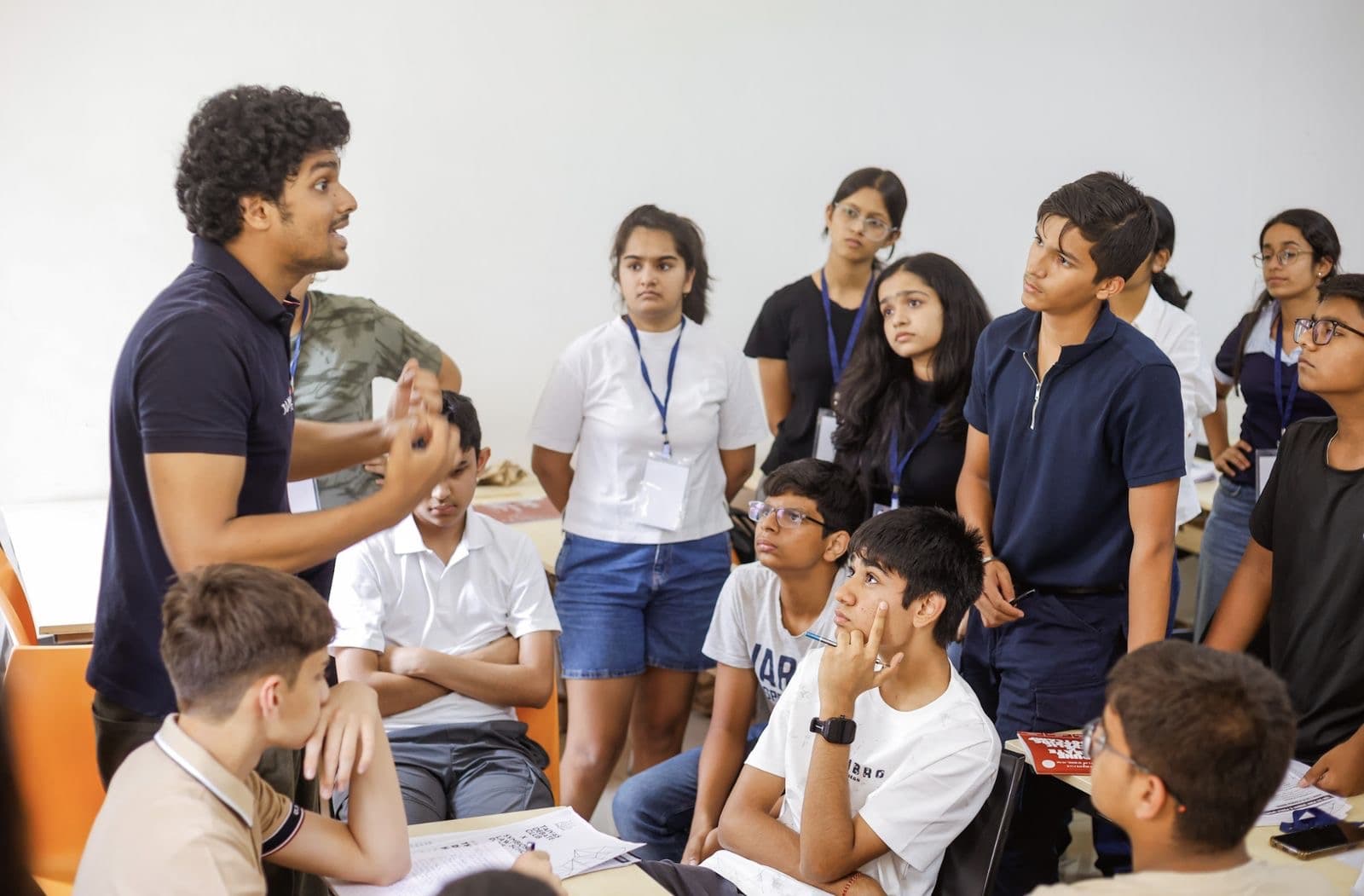
A Taivas trainer explaining an idea to a group of students in class
Taught live, never recordedA real Taivas class. The trainer stays in the room for all 90 minutes.
08live sessions of 90 minutes
10students a batch, one level
03levels, Grades 5–12
01project, published to a link

From the team that ran the IIT Bombay bootcamps.

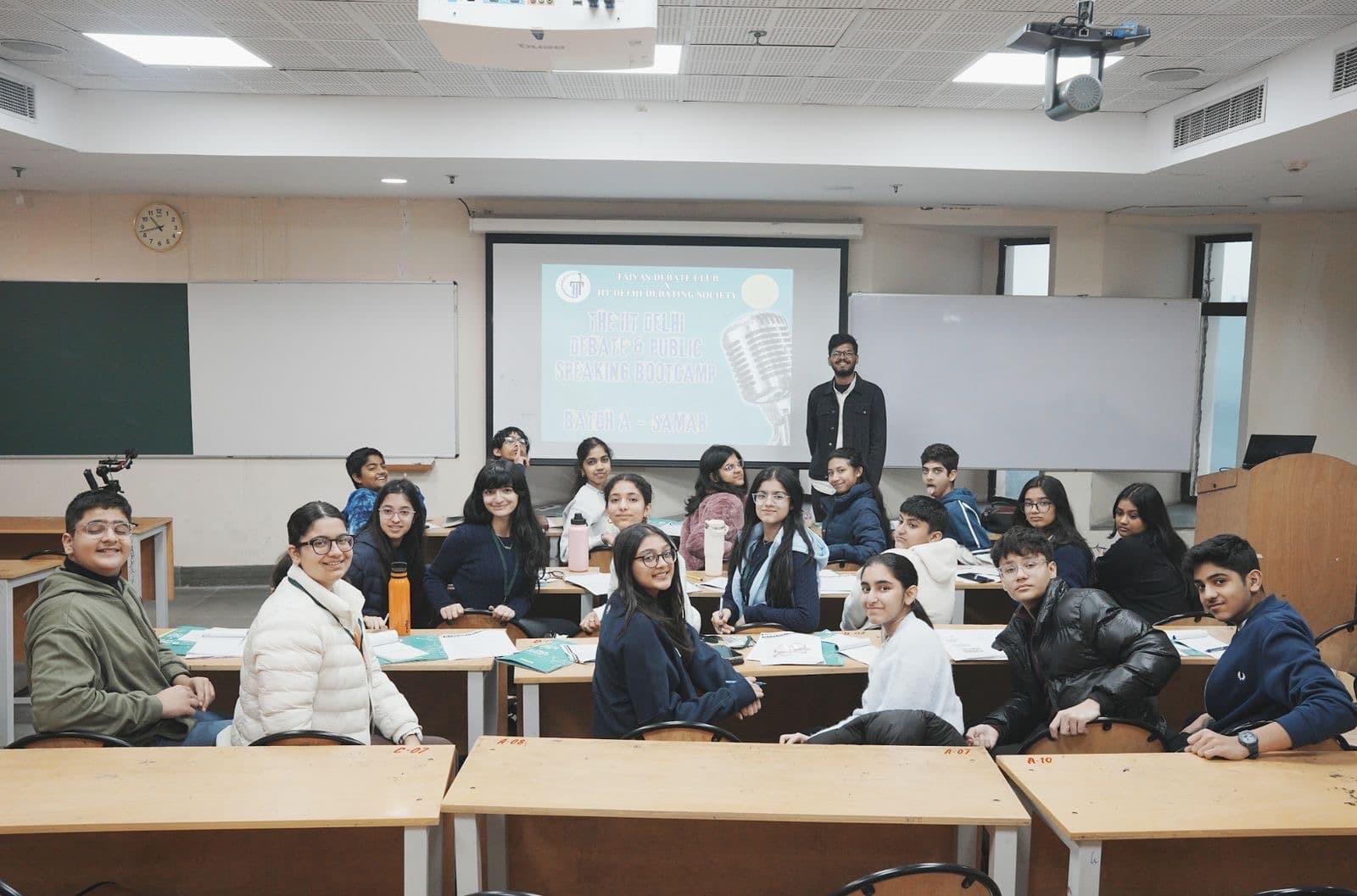
A Taivas batch turning to the camera, their trainer standing beside the screen
Small batches, a trainer who knows every student by name
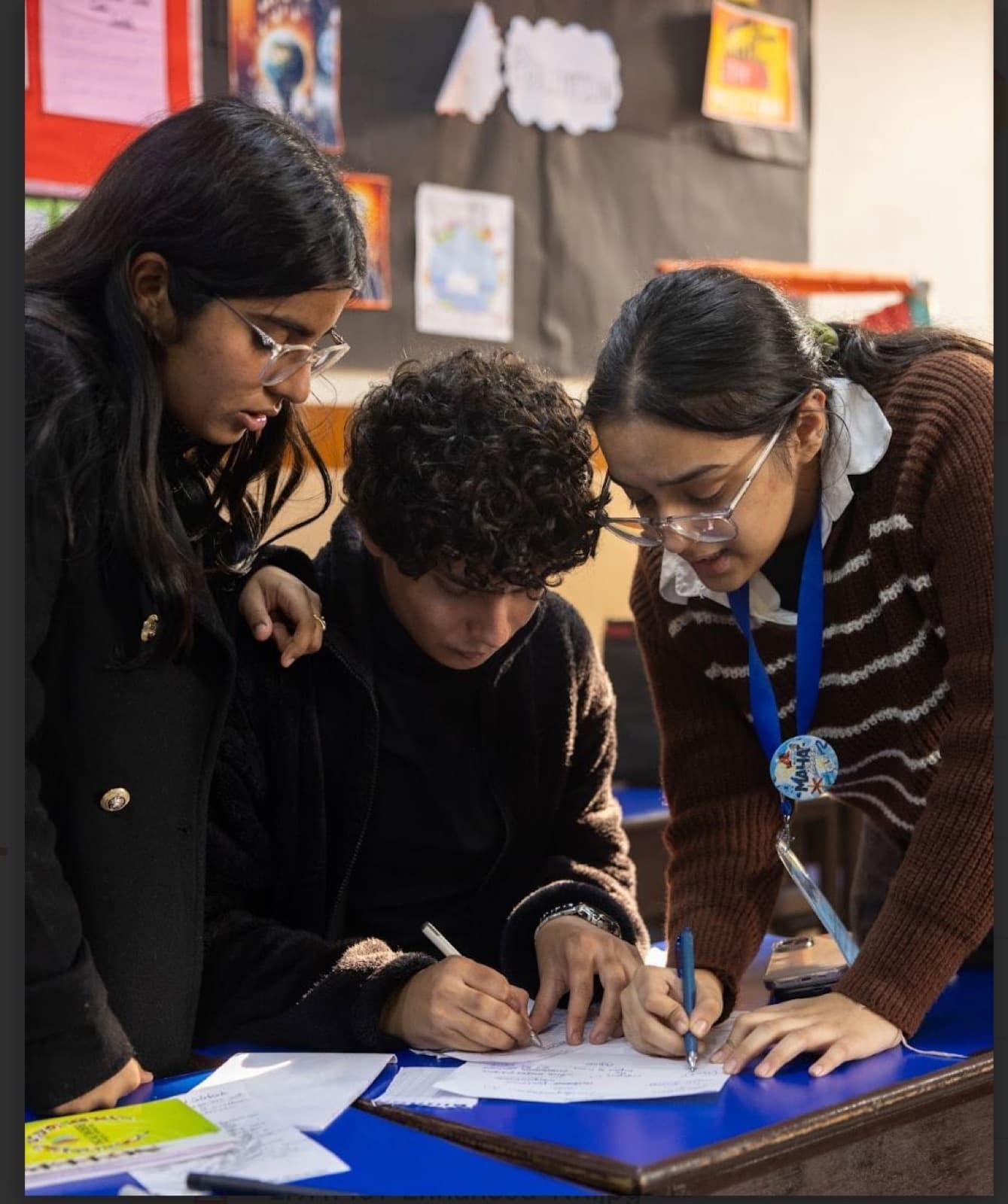
Three students leaning over one desk, working an idea out together on paper
Work that is built, tested and argued over together
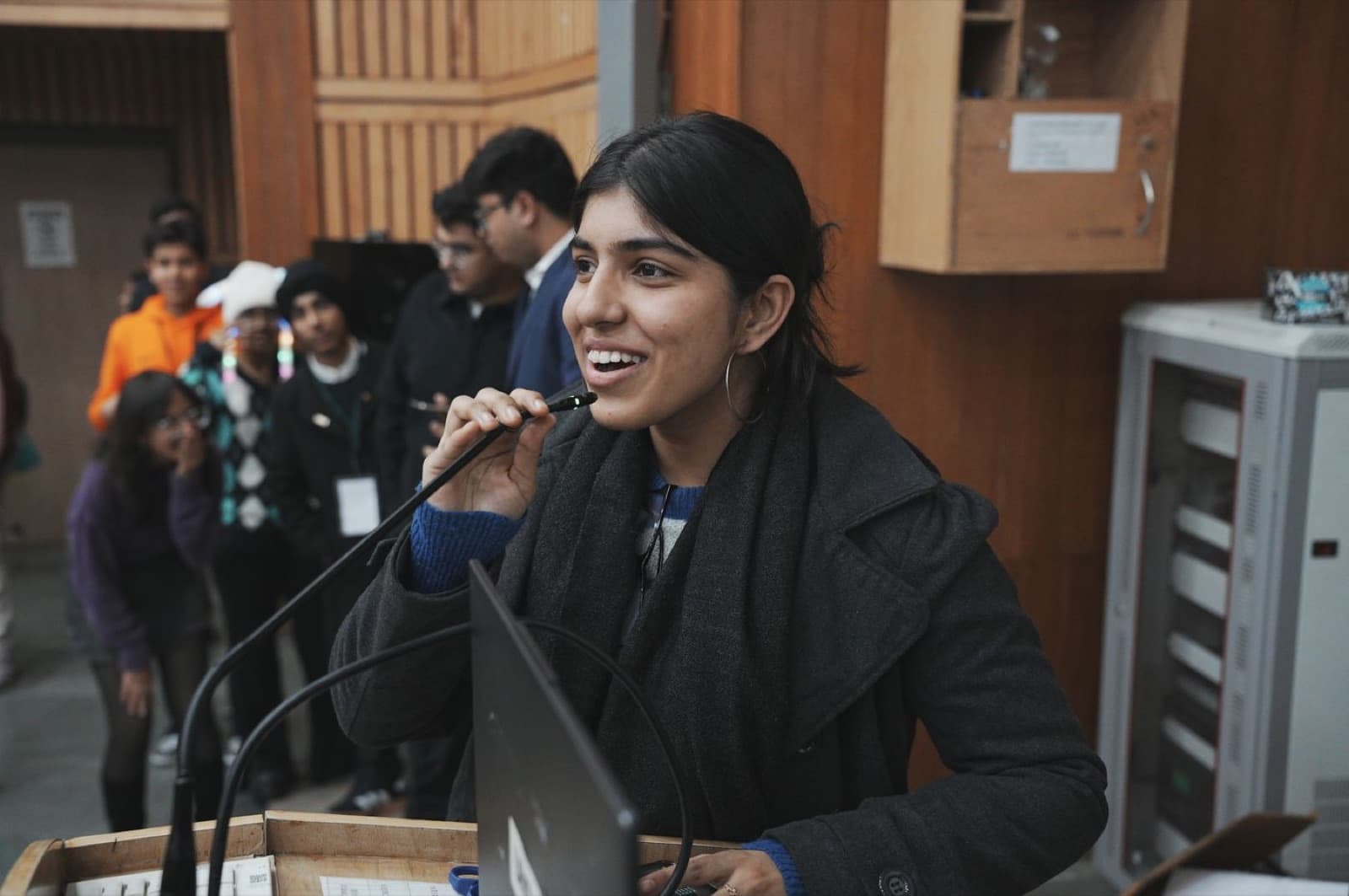
A student smiling at the microphone as she presents to the room
Every course ends with the student presenting, live

Photographs from Taivas classrooms and bootcamps.

What your child gets

Thirty days in. This is what comes home.

Not a login and a video library. A certificate, a working project on a link, a documented portfolio piece and a child who can explain every choice they made.

Sample certificate Click to enlarge

Tatsam Lamba

Approved by

Tatsam Lamba

Founder, Taivas Education

  • Founded Taivas in 2019
  • 25,000+ students trained
  • Bootcamps on 7 IIT & university campuses
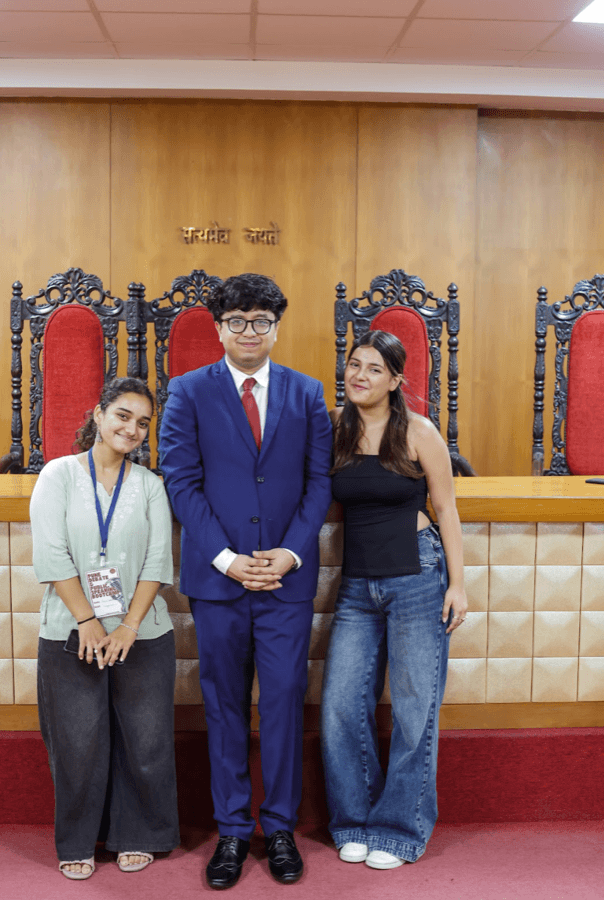
  • NSDC 2026 with the IIT Bombay Debating Society

Sample certificate · the real one carries your child's name, level and band

Sample
TAIVASEducationAI Labs by Taivas

Certificate of Completion

This certifies that

Your child's name

has completed Master AI in 30 Days (AI Explorer · Grades 5–6), built and published a working AI project, and defended it live at Demo Day with the band of Merit.

Approved by

Tatsam Lamba

Tatsam Lamba

Founder, Taivas Education

Cohort 1

Demo Day · Nov 2026

ID · TAI-MAI-0000

Certificate of completion

A Taivas certificate for Master AI in 30 Days, issued after Demo Day with the band recorded: Distinction, Merit or Pass.

A real, working AI project

Built by your child, published to a live link that opens on your phone. Sent to you before the demo begins.

A portfolio piece

A Project Card (or a Model Card at Grades 10–12) documenting what it does, how it was tested and where it fails.

Demo Day, parents watching

A live presentation with questions. Speaking about their own work, confidently, is part of the course.

Skills that last past the tools

Prompting well, checking a fact against a source, training a model on their own data, and spotting when AI is wrong.

Safe, responsible AI habits

No personal data into any tool, honest disclosure of AI use, and knowing which tools are right for their age.

A batch of ten, trainer live

Eight 90-minute live sessions in a batch of ten, grouped by grade. The trainer is present every minute.

Every tool, no subscription

A Taivas-issued Google Workspace for Education account, all source packs and datasets. Nothing to install or buy.

The learning journey

Four phases. Eight sessions. Pick the level by grade.

Students already have access to AI. Very few can say what it did, why it was confidently wrong, or how to make it better. Every level follows the same four phases; the depth, the tools and the size of the build rise with the grade.

Understand the machine, direct it clearly, train a first model and build a helper that someone actually uses. It ends as a link.

Phase 1Sessions 01 & 02

Foundations

What is this machine, and how do I get it to do what I actually meant?

  1. 01Meet the Machine

    Rules, learning and generation. Catch the machine inventing a detail about your own school.

  2. 02Ask Better, Get Better

    The five parts of a good prompt, improved across three deliberate tries.

Phase 2Sessions 03 & 04

Create

Can I make something good with it, and can I tell good from generated?

  1. 03Make Something Beautiful

    Design judgement: edit what the AI made instead of accepting it.

  2. 04Lights, Camera, AI

    Make a short piece of media and say honestly how AI was used.

Phase 3Sessions 05 & 06

Investigate

How do I know this is true, and what happens when I change the data?

  1. 05Your AI Study Partner

    Learn with AI without copying; check a fact against a real source.

  2. 06Teach a Machine

    Collect your own examples, train a classifier, record what it gets wrong.

Phase 4Sessions 07 & 08

Build & Show

Does it work for someone other than me, on their device, and can I explain why?

  1. 07Build Your Own AI

    Input, AI step, output. Publish it to a link and run the ship check.

  2. 08Demo Day

    Send the link home, then a three-minute demo with questions, parents watching.

A live project on a linkSent to you on WhatsApp before Demo Day begins. It opens on your phone.

Certificate of completionIssued after the live demo, with the Project Card and the band recorded.

Tools at this level

  • ChatGPT
  • Napkin AI
  • Canva AI
  • AI image tool
  • Teachable Machine
  • Google Sheets
  • Google Sites

Coding

None. Nobody at this level writes, reads or sees code.

The project menu · pick one in session 05

What your child could build

Illustrative mockups · hover to replay

  • Live linkGrades 5–6

    School FAQ Helper

    What time does the library open?

    8:00 AM to 3:30 PM on school days.

    Source: school handbook

    Answers only from approved sources

    School FAQ Helper

    Answers what new students actually ask, from information the school approved.

    • Prompt design
    • Fact-checking
    • Publishing
  • Live linkGrades 5–6

    Study Buddy

    Explain photosynthesis simply

    Plants make their own food from sunlight, water and air. The leaves are the kitchen!

    Make 3 practice questions →

    Answers only from approved sources

    Study Buddy

    Explains a topic simply and makes practice questions from supplied material.

    • Prompt design
    • Fact-checking
    • Publishing
  • Live linkGrades 5–6

    Class Quiz Master Q 3 / 10

    Which gas do plants take in?

    Oxygen

    Carbon dioxide

    Nitrogen

    Answer key verified by the student

    Class Quiz Master

    Builds and runs revision quizzes from a chapter, with a verified answer key.

    • Question design
    • Verification
    • Testing
  • Live linkGrades 5–6
    🔒 sites.google.com/view/reading-recommender
    📚You liked mysteries. Try these:
    ✨From the class list
    🔍Level: Grade 6
    📌3 picks
    Every claim shows its source

    Reading Recommender

    Suggests titles from an approved list it may not leave.

    • Design
    • Research
    • Honest AI use
  • Live linkGrades 5–6
    🔒 sites.google.com/view/save-our-lake
    🌊Save Our Lake
    ✨Why it matters
    🔍What we found
    📌Sources
    Every claim shows its source

    Awareness Page

    An illustrated page on a school or environment issue, sources shown.

    • Design
    • Research
    • Honest AI use
  • Live linkGrades 5–6
    🔒 sites.google.com/view/sorting-assistant
    🍌Banana peel

    Sorting Assistant

    Compost 92%

    Recycle 6%

    Landfill 2%

    Trained on data they collected

    Sorting Assistant

    A trained classifier put to real use, with its accuracy published.

    • Model training
    • Accuracy
    • Bias checks

Session 08 at this level: Three clear minutes: what it does, what failed, what changed, what is next. Documented on a Project Card.

Fixed in every level, every cohort

What your child walks out with.

“I understand what AI is doing, I know how to direct it, I built something real with it, I published it, I tested it, I know exactly where it fails, and I can explain every choice I made.”

The sentence this curriculum has to earn, by session 08.

  1. 01

    Every session produces exactly one artefact that can be opened, shown, tested or assessed.

  2. 02

    Every level trains or evaluates a model on data the students chose themselves.

  3. 03

    Every level meets at least one AI failure deliberately, not by accident.

  4. 04

    Every build is tested by a person who is not the student who built it.

  5. 05

    Every student demonstrates and defends their own project live in session 08.

  6. 06

    Every project ends as a link that opens on a phone the student does not own. It is sent to the parent before the demo begins.

Reserve

Cohort 1. Ten seats a level.

Reserve with the level that matches your child's grade. Payment is on Razorpay, GST is inside the price, and the seat is held the moment it goes through.

  • Device

    Laptop or desktop. Tablets and phones are not enough for sessions 06 and 07.

  • Connection

    Stable broadband. Camera and microphone on during build and demo sessions.

  • Software

    Browser-based throughout. Nothing is installed. No card is needed for any tool.

  • Between sessions

    One short task at a time, 30 to 45 minutes. Never more.

Cohort 1 · started Thu 15 Oct · 10 seats a level

₹5,999per student, all eight sessions

GST included, nothing added at checkout. Second child from the same family ₹3,999.

The eight dates

Thu 15 Oct · Sun 18 Oct · Thu 22 Oct · Sun 25 Oct · Thu 29 Oct · Sun 1 Nov · Thu 5 Nov · Sun 15 Nov · Demo Day

Thu 6:30–8:00 PM · Sun 11:00 AM–12:30 PM · live online. No session on 8 Nov (Diwali).

  • 8 live sessions × 90 minutes, trainer present throughout
  • A batch of ten, grouped by level, never mixed
  • A cohort channel for questions between sessions
  • All source packs, datasets and tool access, no subscription bought by any family
  • A Taivas-issued Google Workspace for Education account
  • Assessment across all eight sessions and a certificate of completion
  • Demo Day with parents invited

Reserve a seat · pick the level by grade

Full refund within 48 hours of payment, no questions asked. After that the seat is confirmed; one transfer to the next cohort on request. Refund policy

A question first? WhatsApp us

Live, every time

How the 90 minutes run.

Sessions are not pre-recorded. A trainer is in the room throughout, and every session ends with one finished thing.

  1. 0–10Recap. Last session's artefact is shown and connected to today's idea.
  2. 10–30Teach and demo. One concept, then the mechanism demonstrated live.
  3. 30–70Build. Students work; the trainer circulates and asks diagnostic questions.
  4. 70–80Test. Students deliberately try to break what they just made.
  5. 80–88Show. Selected students show outputs, failures included.
  6. 88–90Close. The artefact is confirmed and the next task is set.

Safeguarding, stated plainly

Accounts, age and access.

  • No student enters personal data, their own or anyone else's, into any AI tool.
  • Grades 5–6 are under 13: no personal AI account is created, on any tool, at any point. All work runs on a Taivas-issued account or in a trainer-hosted session.
  • Claude and Google AI Studio are 18+ and are trainer-hosted at every level. Never set as homework.
  • Published project pages carry no surname, no school name and no photograph of a child.
  • Sessions run in a monitored virtual classroom. Accounts are revoked 30 days after the showcase.

Responsible AI is taught at the moment a student is about to do the thing, not as a closing lecture.

Assessment and certification

Assessed across eight sessions, not in a final test.

A Taivas certificate is issued on four conditions together: a working final project, a live link that opens on a device the student does not own, a completed Project or Model Card, and a live demonstration with questions answered. Attendance alone does not certify.

Distinction80+

Works for a real user from a live link, the evidence is real, limits are volunteered.

Merit65–79

Works, published, testing happened, explained accurately when asked.

Pass50–64

Works in demonstration, some testing, explained with prompting.

Not yetbelow 50

Incomplete, or the student cannot account for it. A resit demo is offered.

FAQ

Questions parents ask before paying

Cohort 1 started Thu 15 Oct. Ten seats a level.

Reserve now and we WhatsApp your start date. Thu 6:30–8:00 PM and Sun 11:00 AM–12:30 PM, live online, Demo Day on Sun 15 Nov. ₹5,999, GST included, full refund within 48 hours.